Login into Your ByBit Account.
Switch to your Sub-account you want to create API and Secret Key.

Click On API

Click on Create New Key.

Select System-generated API Keys
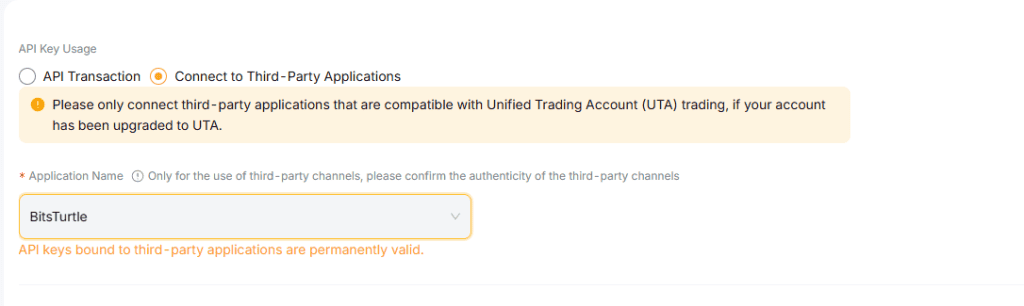
Select Connect to Third-Party Applications. And then, search and select BitsTurtle from the Application name.

Ensure to check Unified Trading > Orders and Positions Only. Leave all other options unchecked and then click on Submit.

Enter your Google 2FA Code.

Copy API Key and API Secret and store it in a safe place. Send us the API and Secret Key and you have created it Successfully.